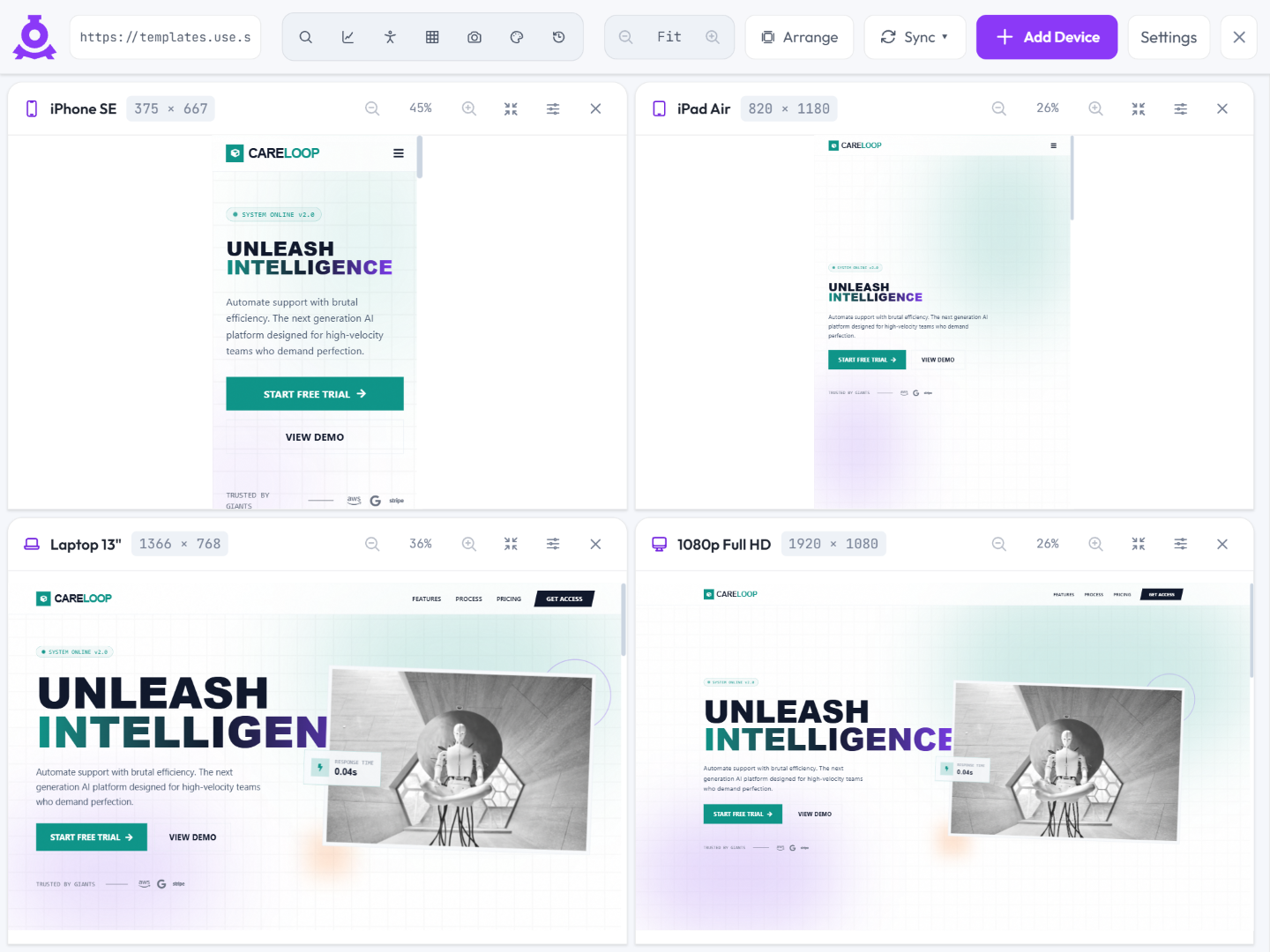
Preview, inspect, and audit your website across devices without ever leaving your tab.
Free to install ยท No account required
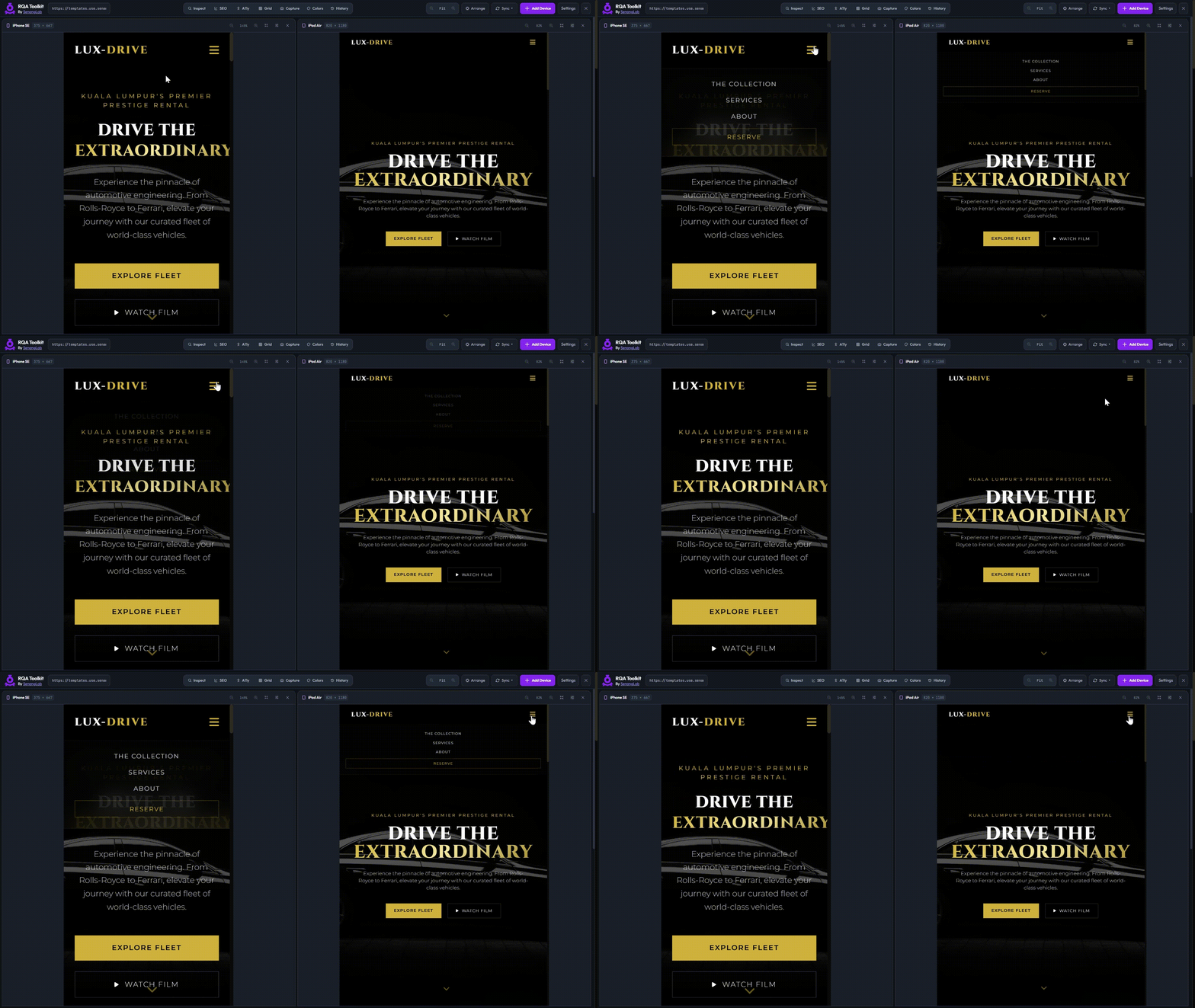
Click Sync
Every click you make is mirrored instantly across every screen size preview, no delays, no repeat work
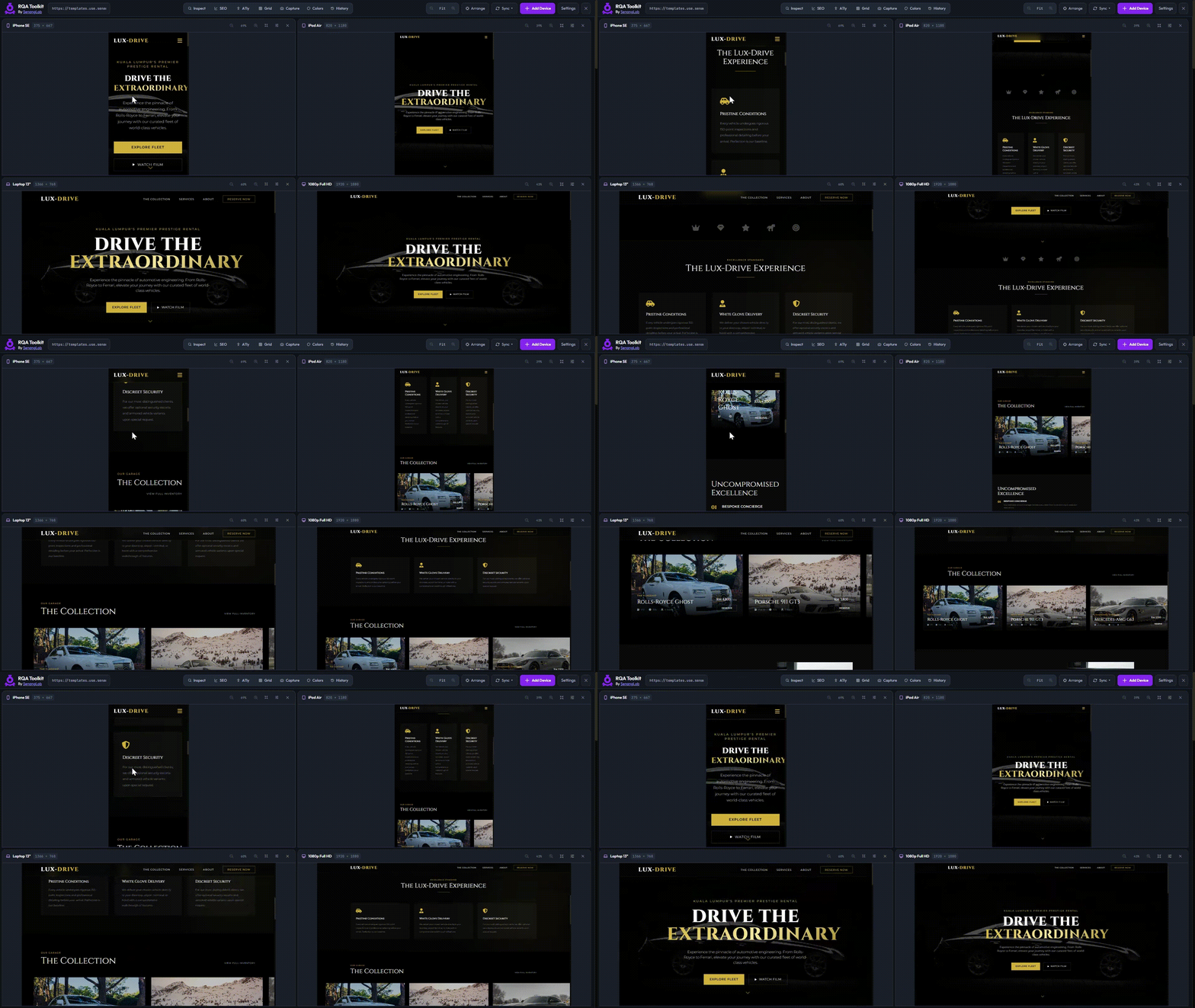
Scroll Sync
Watch scroll movement stay perfectly aligned across each preview in real time
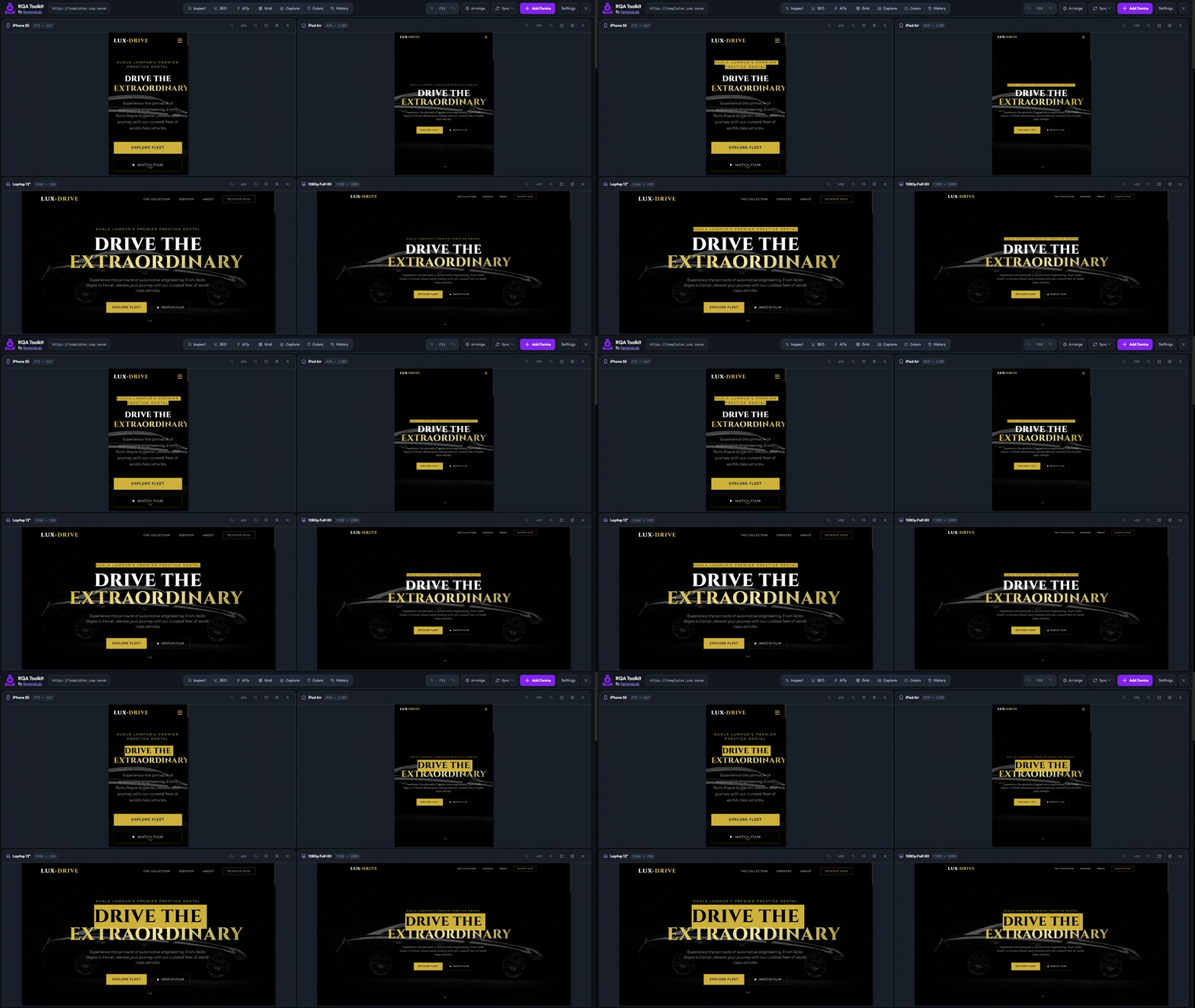
Selection Sync
One selection highlights everywhere at once, on every screen size
Features
RQA Toolkit bundles responsive previews, element inspection, accessibility checks, and SEO audits into a single browser extension, giving quality assurance teams tools built for precision and speed.
Navigate every device view simultaneously: scroll, click, and hover sync across all frames at once.
Inspect elements, edit CSS live, and view interactive box models, no DevTools required.
Run contrast checks, simulators, and landmark audits to ship inclusive experiences with confidence.
Scan tags, calculate SEO scores, and export AI prompts to remediate issues faster.
Access 50+ device presets and define unlimited custom dimensions for complete coverage.
Capture full-page screenshots as a single PNG or copy to clipboard for documentation and sign-off.
In Depth
Use Cases
Built for professionals who take responsive quality seriously, across every role in the delivery pipeline.
Debug, test across devices, and inspect live CSS without juggling multiple tools.
Verify design fidelity, live edit CSS, inspect viewports, and keep layouts in sync everywhere.
Run WCAG audits, test typography, and validate readability with color blindness simulations.
Analyze meta tags, heading structures, and image alt text; check URLs and export reports (JSON, CSV).